![Logo - light.png]](https://success.territorium.com/hs-fs/hubfs/Logo%20-%20light.png?height=20&name=Logo%20-%20light.png)
What is the Public Profile
All LifeJourney users are provided with access to a profile tool to create a shareable record of your learning and employment story. These tools allow you to:
- create an online space to show your earned credentials in totality
- share associated skills from all your learning activities
- organize verified and self-reported learning and employment activities
- share with potential college and career contacts through convenient networking tools like QR codes and links
Access your profiel on the Web
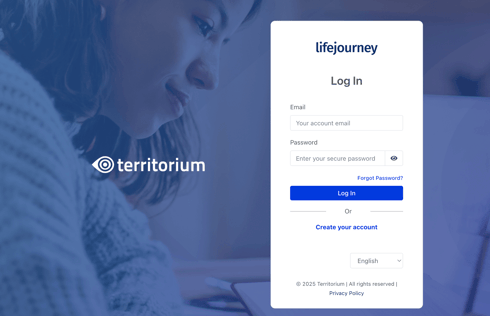
Log in to https://life.territorium.com.
Choose the Profile. On this screen, you will be able to see all the badges you have earned along with lots of other information you can add. The entire profile then becomes shareable and can provide a way to describe your college and career readiness more completely than just individual credentials.
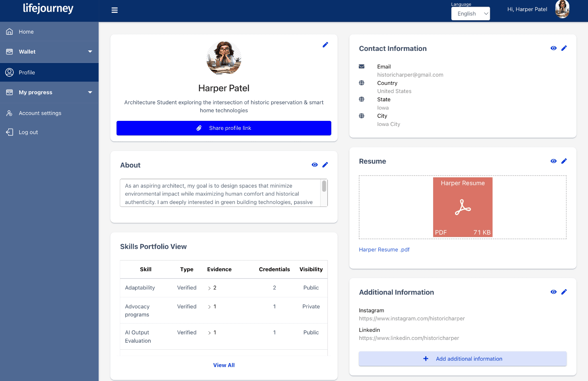
Key features of the profile
In the profile, there are tools that help you express the many learning experiences and working experiences you have had in your life.
- Flexible avatar options to represent you visually
- An eye-catching headline space
- Short "About" section for a narrative of your personal goals, focus or objectives
- Dashboard of the skills collected through connected learning experiences and self-asserted achievements
- Chronological listings of education and job experiences
- Prominent spot to load your own resume and contact details
- Relevant links to social or web based tools highlighting the many aspects of your story