
Overview of key wallet features available on the LifeJourney web page.
What is the Digital Wallet
When your institution purchases the CLR product from Territorium, you are provided with access to a Digital Wallet to manage your credentials, called LifeJourney. The wallet allows you to:
- manage your access to different Institutions,
- track progress on learning experiences and related learning outcomes, to earn credentials
- manage the credentials you have earned.
Access your credentials on the Web
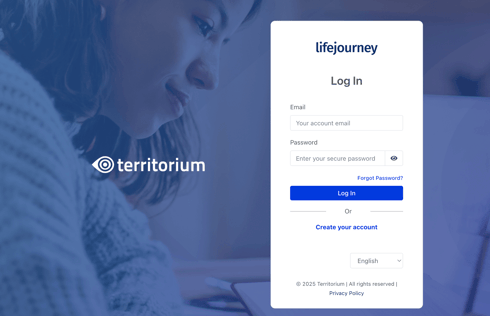
Log in to https://life.territorium.com.
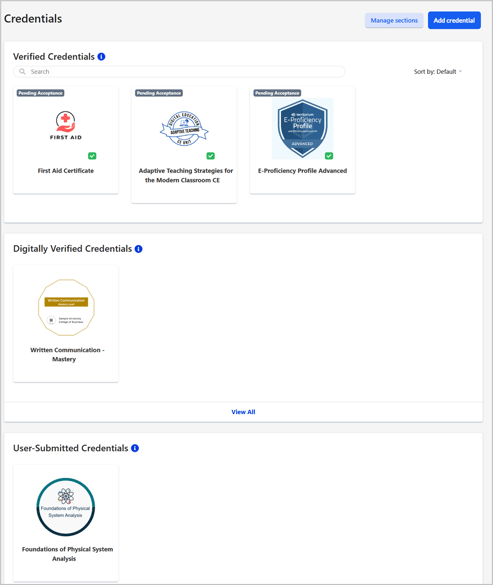
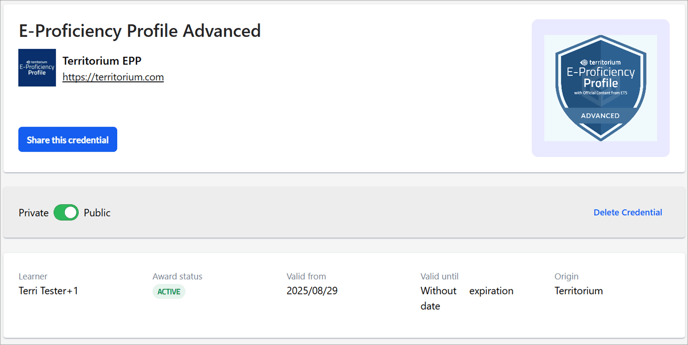
Choose the Wallet > Credentials. On this screen, you will be able to see all the badges you have earned. Click the Credential for detailed information.
Key features of the wallet
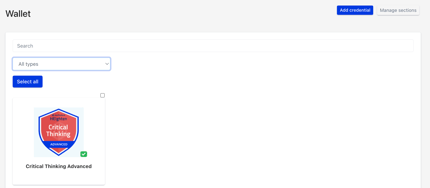
In the wallet, you will be able to claim and manage your credentials. You can browse your credentials by scrolling, searching by keyword, or using available filters.
Sometimes, your institution may issue a credential that brings together multiple learning achievements to show a more complete picture of your progress—similar to how a transcript works.
For example, a degree credential may reference all required courses, or a micro-credential may require completing a combination of courses, assessments, or projects. Credentials like these are labeled “Stackable” so you can easily see that they include or reference additional credentials.
Credential formats:
Your institution issues credentials using industry-standard verifiable credential formats designed for education.
An Open Badge (OB v3.0) represents a single, standalone credential. Throughout the application, you may see this format referenced as Open Badge or OB v3.0.
Some institutions or employers may request a different format called a Comprehensive Learner Record (CLR v2.0). A CLR allows one verifiable credential to aggregate multiple earned credentials, such as a degree or micro-credential that includes several courses, assessments, or projects.
Importing credentials
LifeJourney works best when all of your verified credentials, skills, and competencies are stored in your wallet. You can upload files or verified versions of credentials earned elsewhere, as well as digital PDFs or images of awards you’ve received.
Each credential is connected to key skills you want to track, helping keep your Opportunity Fit up to date—your alignment to jobs, education, or other opportunities based on your verified skills.
Tip: See how to import other verified and non-verified credentials into LifeJourney to better use its features for your job search.
Sharing credentials
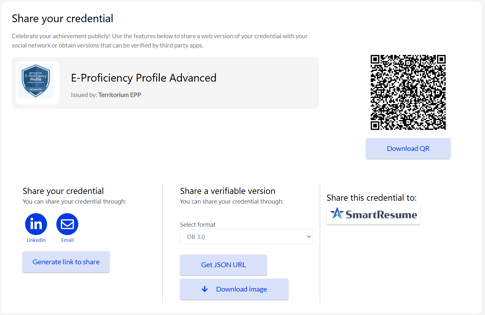
The wallet also lets you share your credential with others, whether you want to post it to your social media account or if you want to send a verifiable version of the credentials to an employer.
Learn how to share
- an individual credential
- a group of credentials
- or your credentials via a public profile